PRODUCTIONSmartLemon
NOW SHOWINGReel 03 “Tokentrail”
SmartLemon presents

Tokentrail

in “Here Be Tokens”
Painted cartoon lemon holding a rolled map under one arm and a glowing brass lantern in the other hand, a trail of coins at his feet, in front of a warm sunburst.
A local ledger for AI coding spendProduct · 2026 · Written, designed, and built by Benjamin Loschen
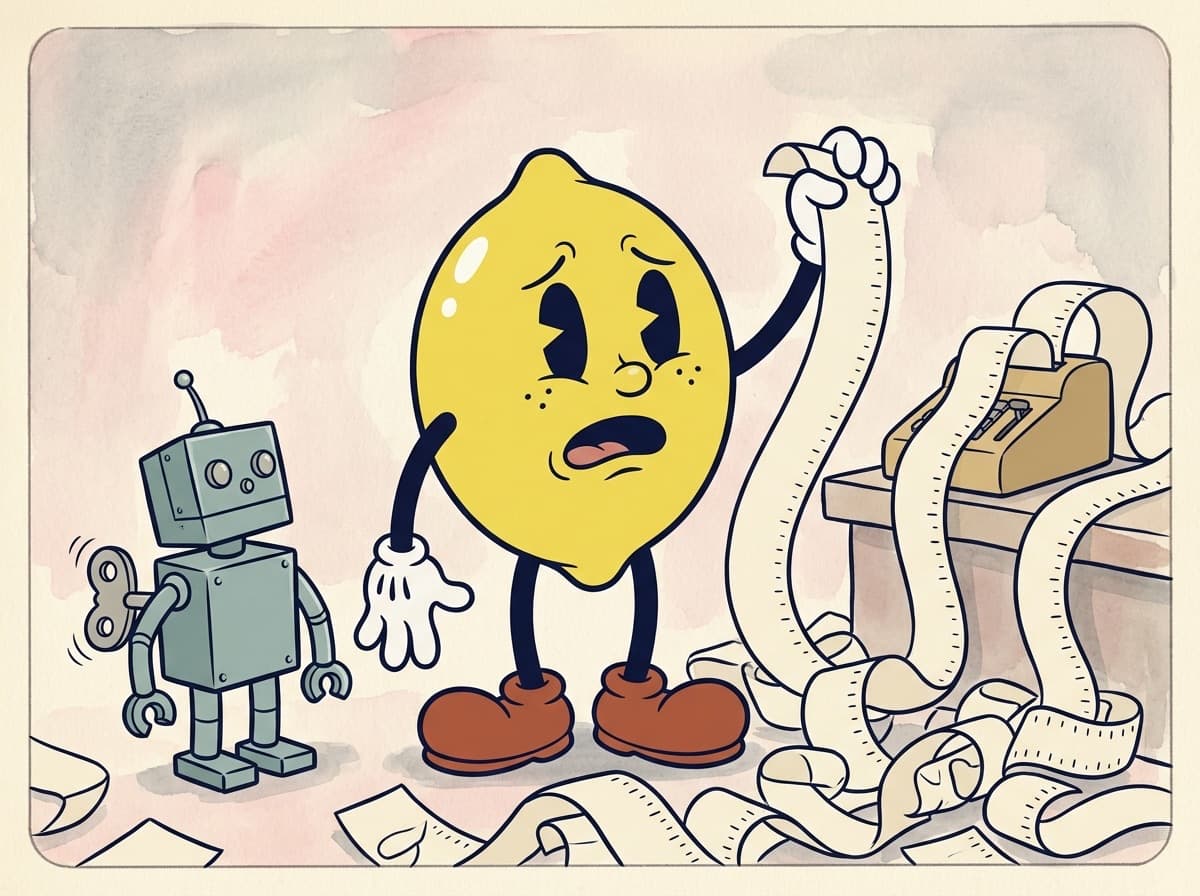
Painted cartoon frame of a shocked lemon holding up an endless paper receipt that pours from an adding machine and piles on the floor, while a small tin robot looks up at him.
SC.1Int. workshop, end of the month
Act one · The problem

The bill arrived as one number.

Claude Code writes a log of every session to your Mac, but the invoice is a single total. I could not say which feature, branch, or pull request the money had gone to.
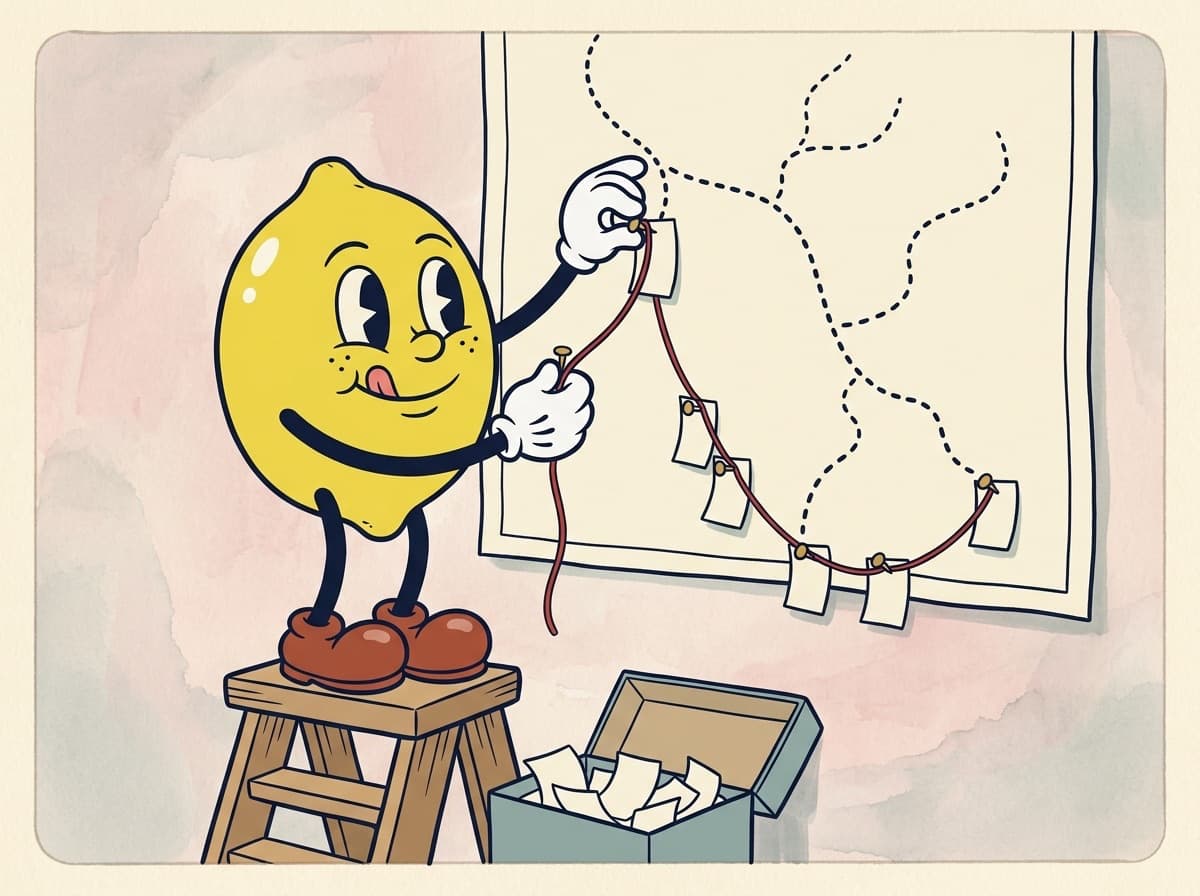
Painted cartoon frame of the lemon on a step stool, tongue out, pinning small receipts along a dotted trail on a wall map and linking them with red string.
SC.2The map room
Act two · The build

Follow the trail from session log to feature.

A command-line tool that reads the logs already on disk, ties each session to its git branch and pull request, and rolls the cost up by feature. The ledger is one SQLite file. Nothing leaves the machine unless you turn on Notion sync.
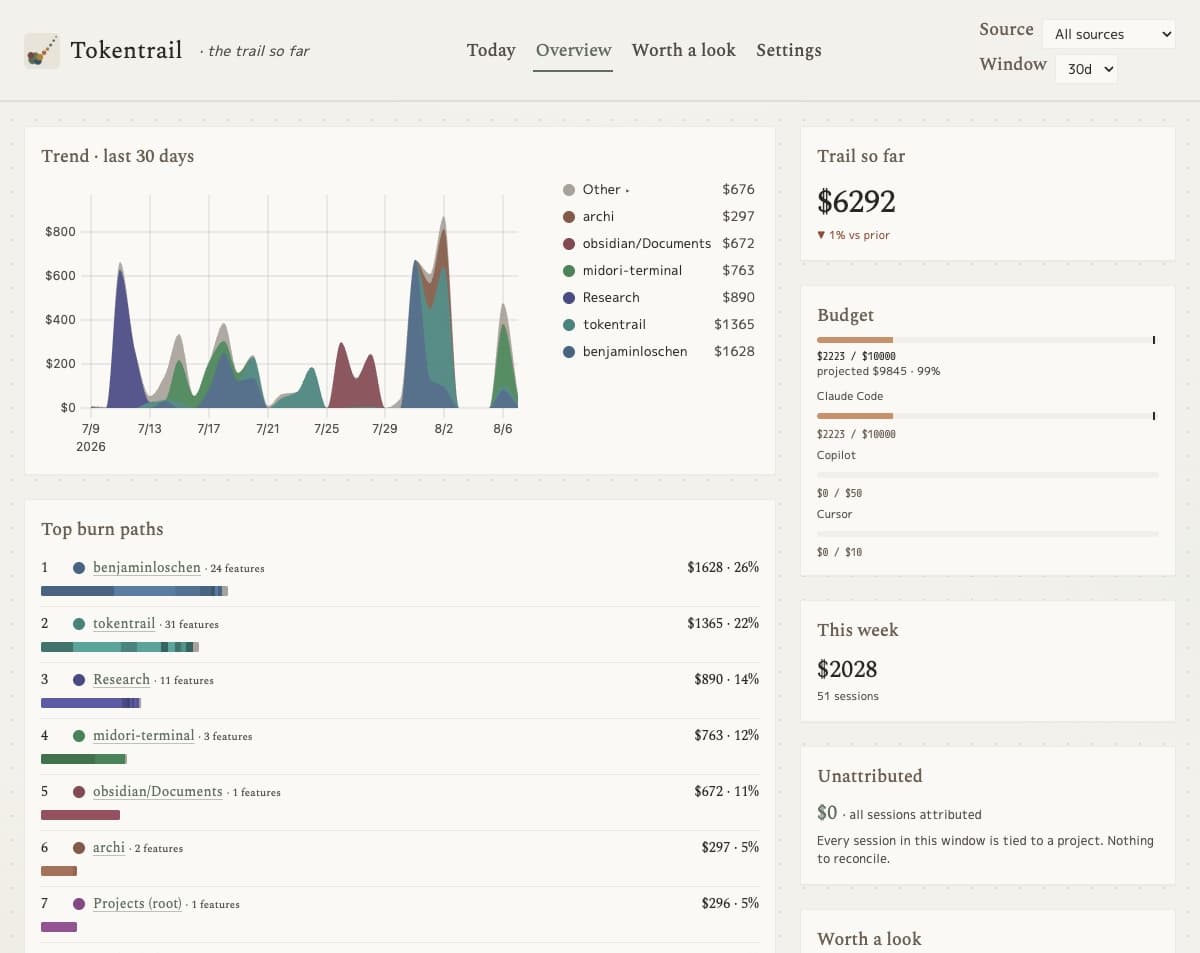
Screenshot of the Tokentrail overview showing a 30-day spend chart by project, a monthly budget bar, and a ranked list of projects by cost.
Still · Overview
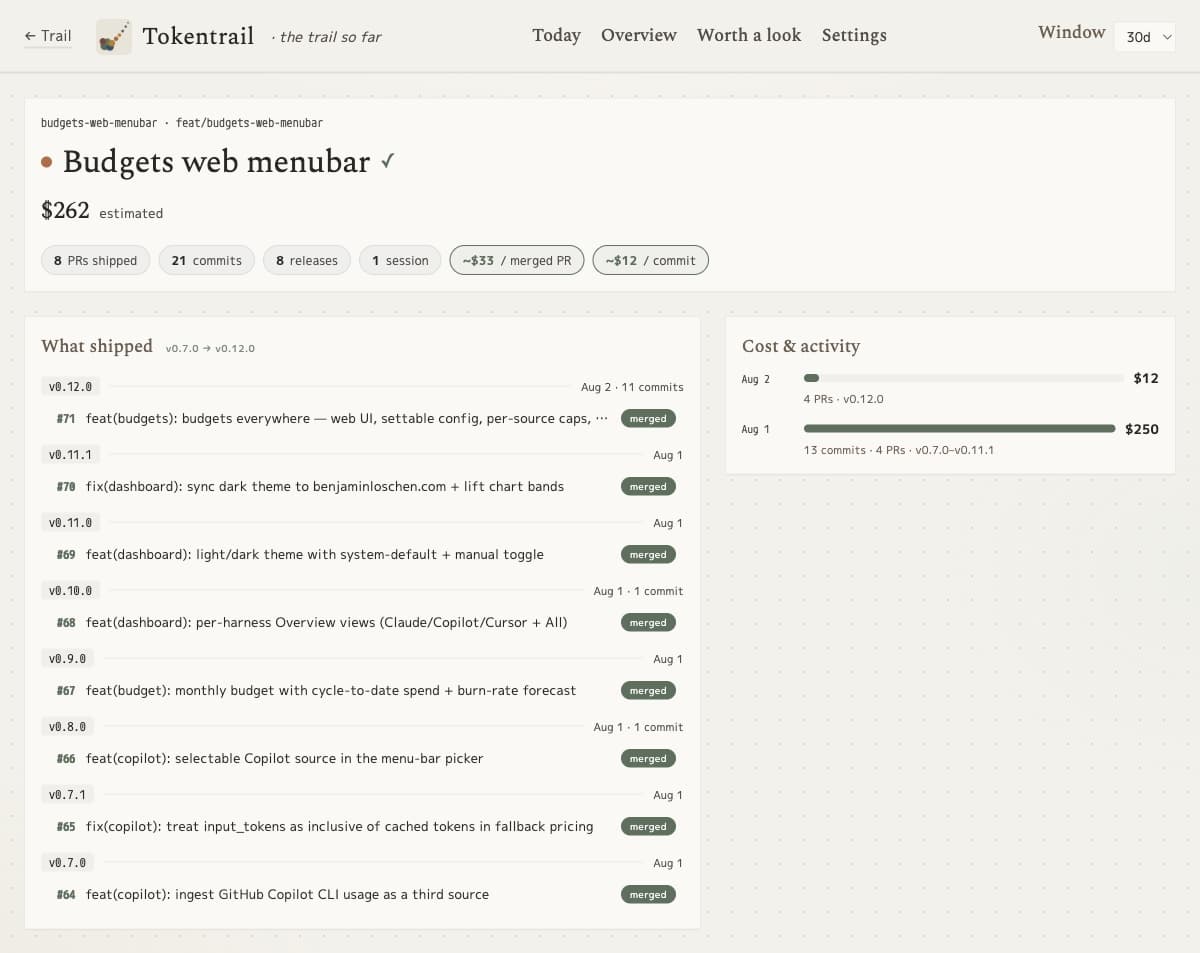
Screenshot of a Tokentrail feature page listing the pull requests and releases a feature shipped, with its estimated cost per merged pull request and per commit.
Still · Feature detail
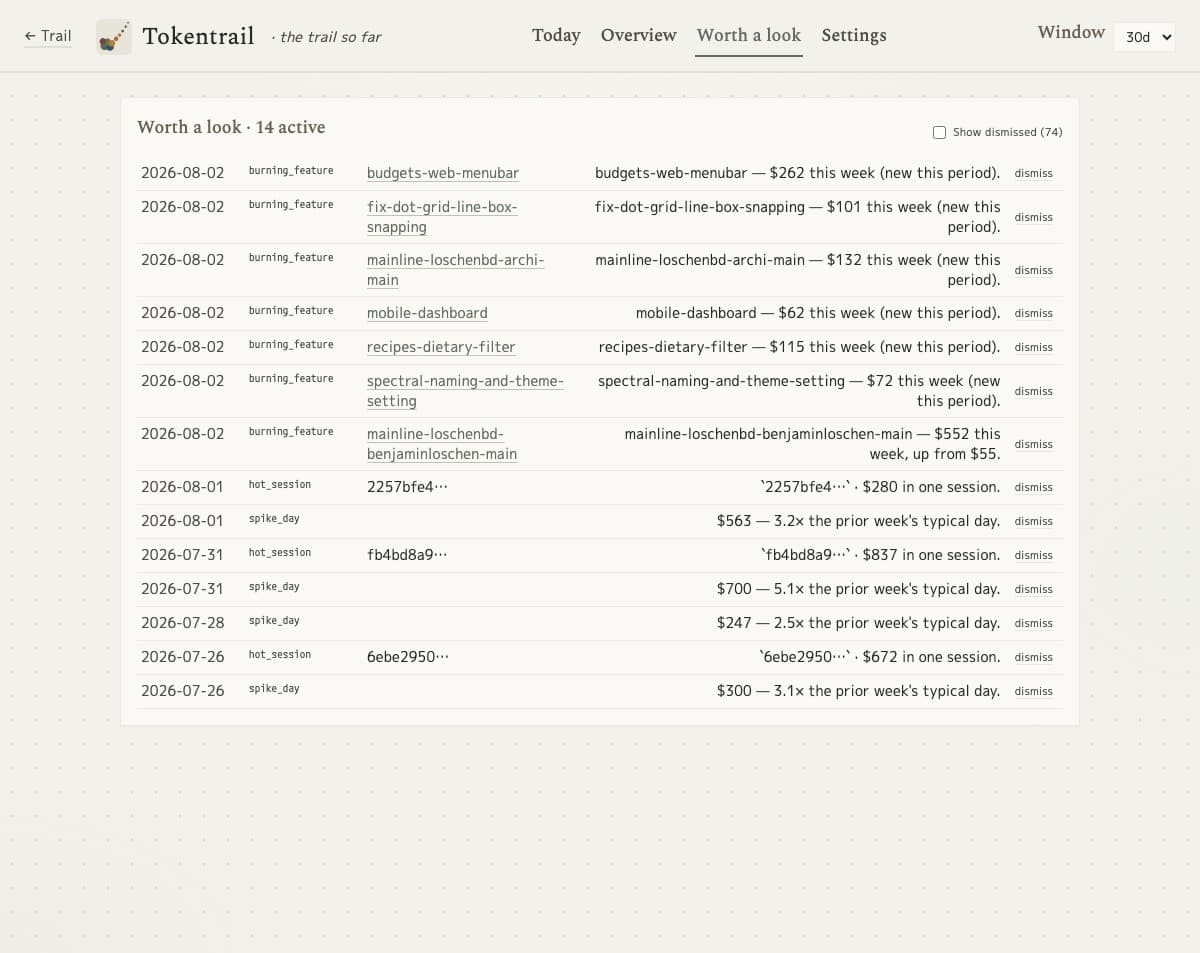
Screenshot of the Tokentrail worth a look list flagging burning features, hot sessions, and spike days with their dollar amounts.
Still · Worth a look
the real product, my own spend
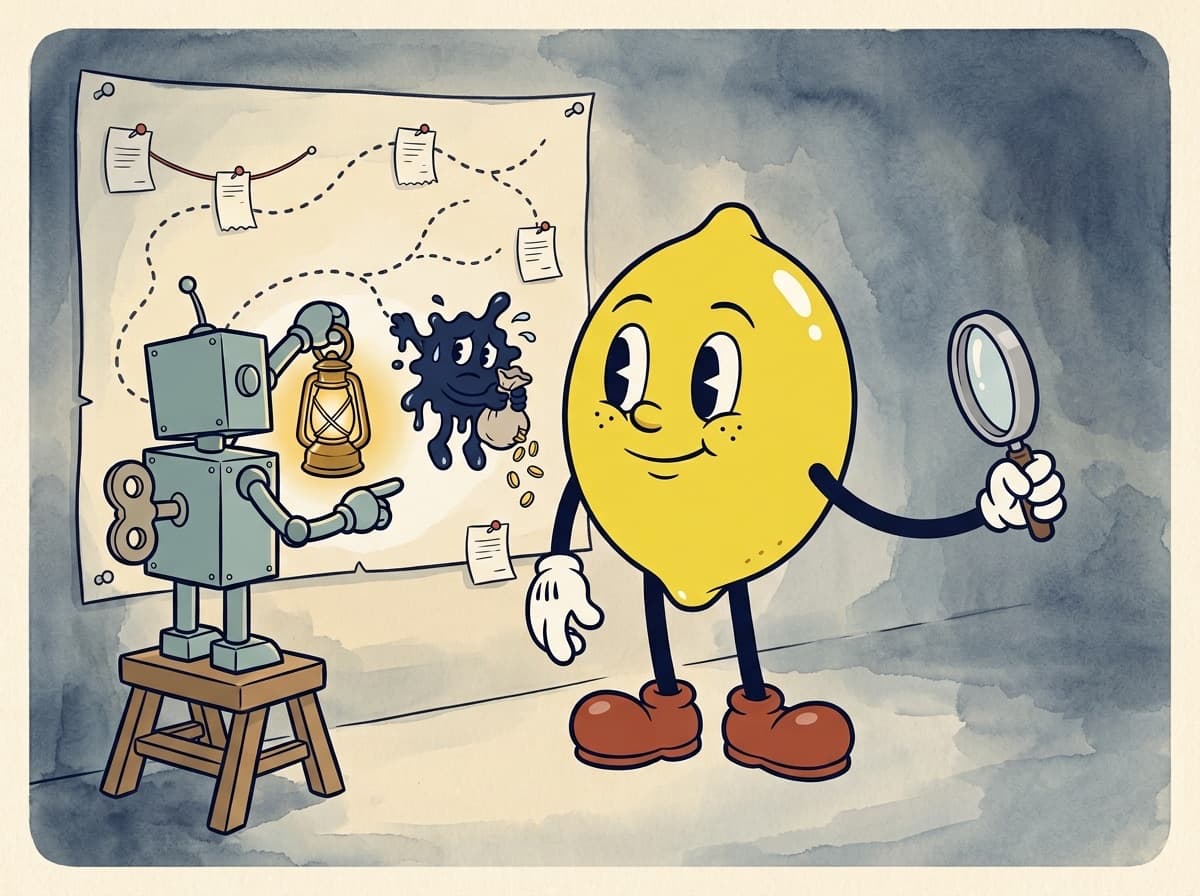
Painted cartoon frame of the tin robot holding a lantern up to a wall map, catching a small ink-blot gremlin with a sack of coins, while the lemon looks on with a magnifying glass.
SC.3Something on the side branch
Act two, continued

A dashboard, a menu bar, and a nudge when something looks off.

A local web dashboard and a native macOS menu-bar app show the spend by day, project, and feature. A "worth a look" list flags hot sessions, spike days, and features burning more than they should. It reads Claude Code, Cursor, and GitHub Copilot usage, and an optional model, hosted or local, groups busy features by topic.

Act three · The result

Open source, one line to install, and open on my Mac every day.
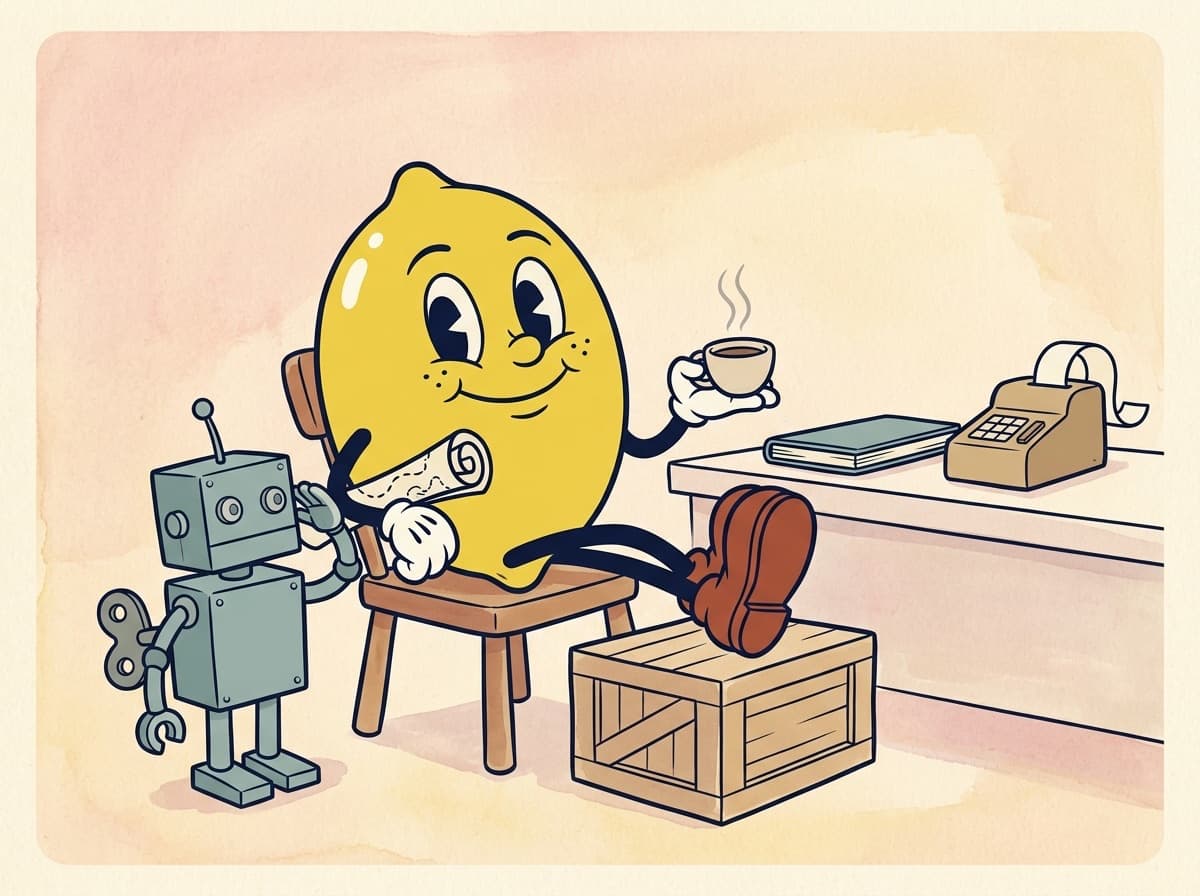
Painted cartoon frame of the lemon relaxing with coffee, feet up on a crate and the rolled map under his arm, beside a closed ledger and a quiet adding machine, while the tin robot salutes.
SC.4A short receipt

Tokentrail is free under the MIT license and installs from Homebrew. Version 0.17 shipped in August 2026 with 27 commands and 67 test files behind it. It is how I keep my own AI spend tied to the work it paid for.

From the storyboard
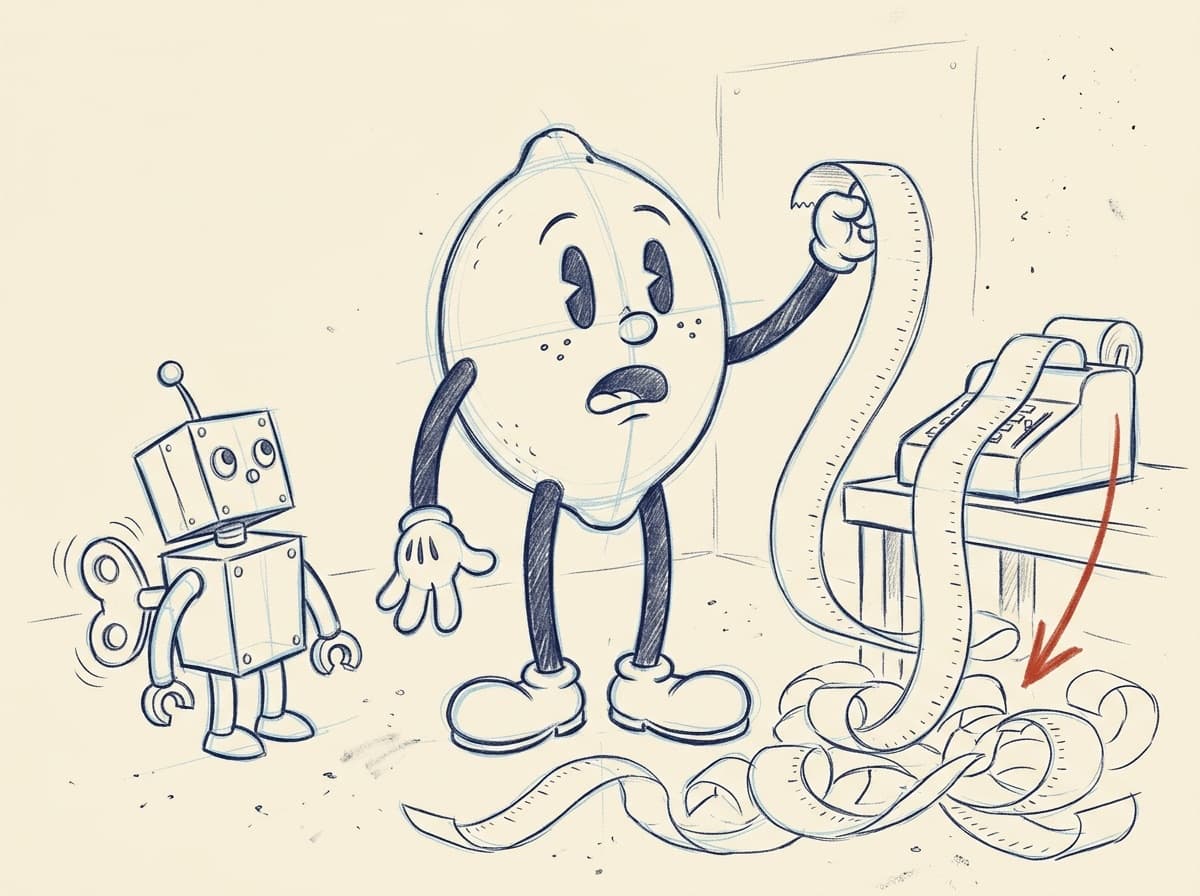
Pencil storyboard rough of the lemon holding up the endless receipt beside the tin robot, the first sketch of scene one.
SC.1 rough
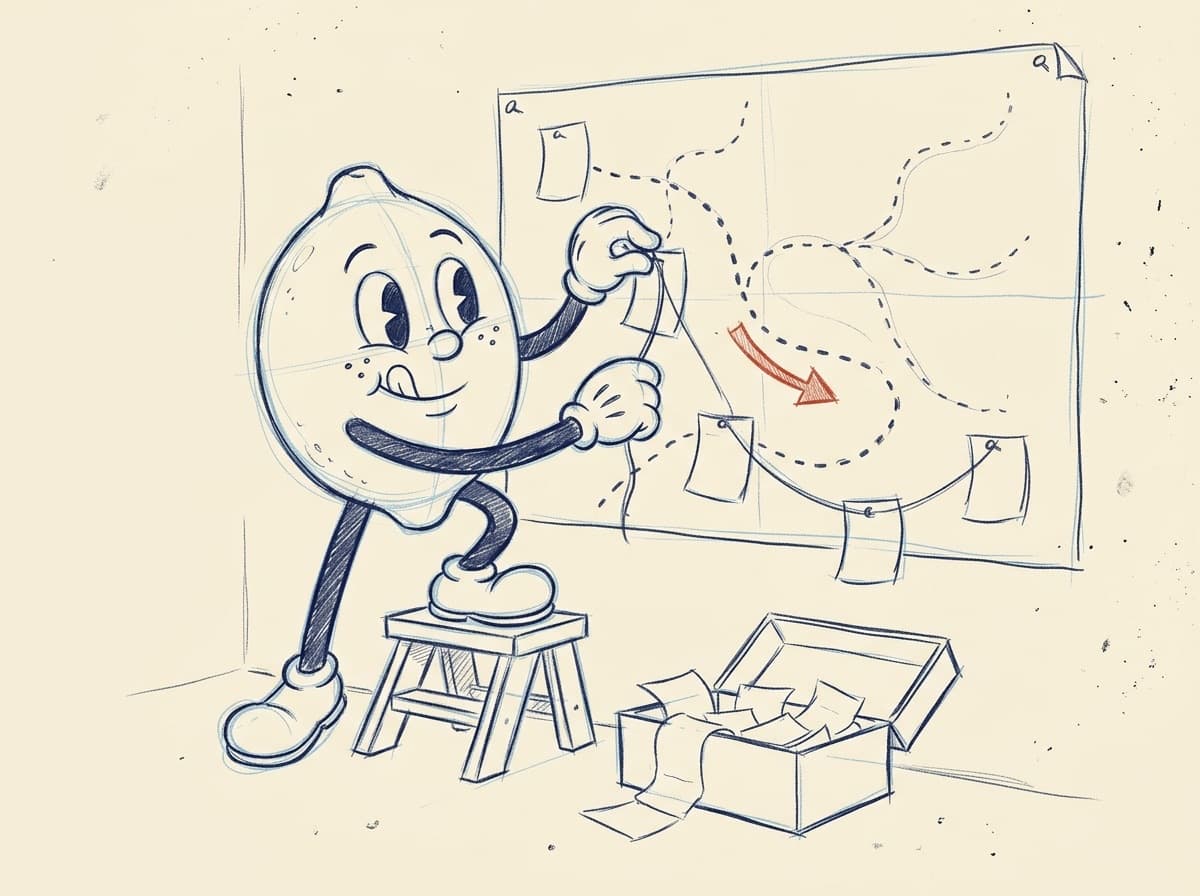
Pencil storyboard rough of the lemon pinning receipts along the dotted trail on the wall map, the first sketch of scene two.
SC.2 rough
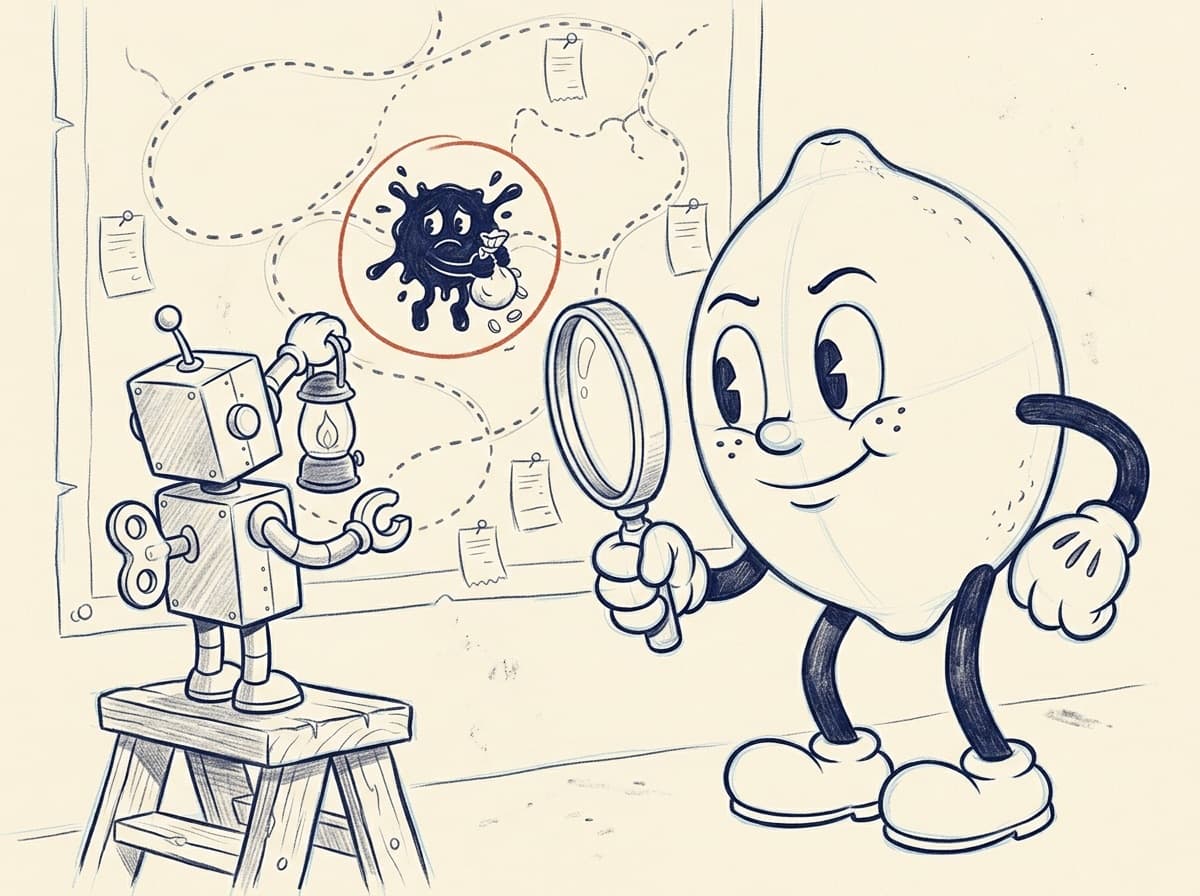
Cleaner pencil drawing of the tin robot lighting up the ink-blot gremlin on the map, circled in red pencil, while the lemon holds a magnifying glass.
SC.3 tie-down

End credits · The stack

Command line
TypeScript, Node, Commander
The ledger
SQLite, on your machine
Dashboard
Fastify and uPlot
Menu bar
SwiftUI and Swift Charts
Sources
Claude Code, Cursor, GitHub Copilot
Integrations
Notion and GitHub
Topic grouping
OpenRouter or Ollama, optional
Distribution
Homebrew, MIT license
The End?

Not if you want something like this.

Visit TokentrailHow I work: AI and automation